 WDCH
WDCH
Telegram Account Login Guide
Please read the following instructions, operation tutorial, and disclaimer carefully
🛒 Product Basic Description
This store sells Telegram (TG) accounts. Depending on the product type, delivery and first-time login methods fall into the following two cases:
⚠ Special Notice:
If you do not understand what TDATA is, or are completely unfamiliar with the relevant operations, please make sure to learn about it on your own before purchasing.
Inability to login caused by the buyer's own lack of operational knowledge, failure to read the tutorial, or other non-product-quality issues will not be eligible for refund under any circumstances。
📦 Sample Delivery Format
After purchase, the system will automatically send you text information in a format similar to the following:
Country Code: +1
Phone Number: 548XXXX610

Verification Code Online Viewing Address:
https://xxxxxxxxxxxxxxxx
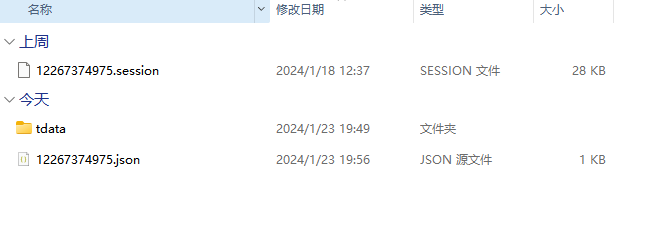
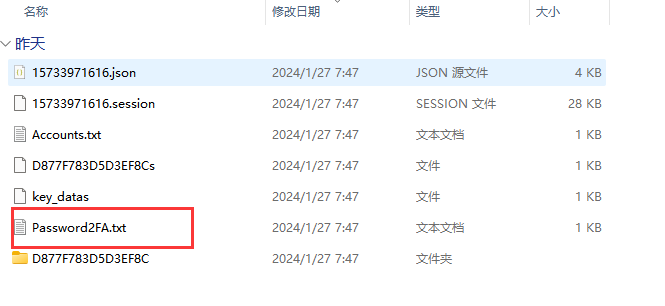
💡 Tip: If you purchased a TDATA product the delivery text will also additionally include a TDATA archive download link as well as twoFA (Two-Step Verification Password)。
📱 API Direct Login Tutorial
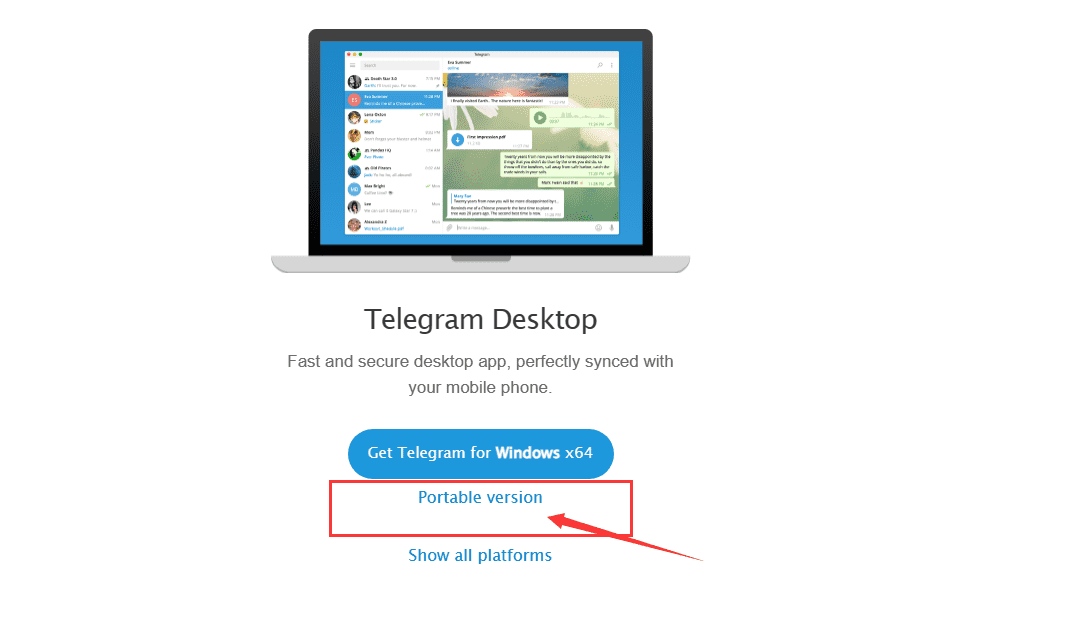
Windows (PC): Go directly to the official website telegram.org Download the PC client.
iOS / Mac (Apple): You must have an App Store account registered in a region outside mainland China (such as the US, Hong Kong, etc.) to log in to the store, search for, and download Telegram.
Open the Telegram app. First, correctly select or manually enter the corresponding country code (for example, the US is +1), then enter the complete phone number provided to you, and click Next.
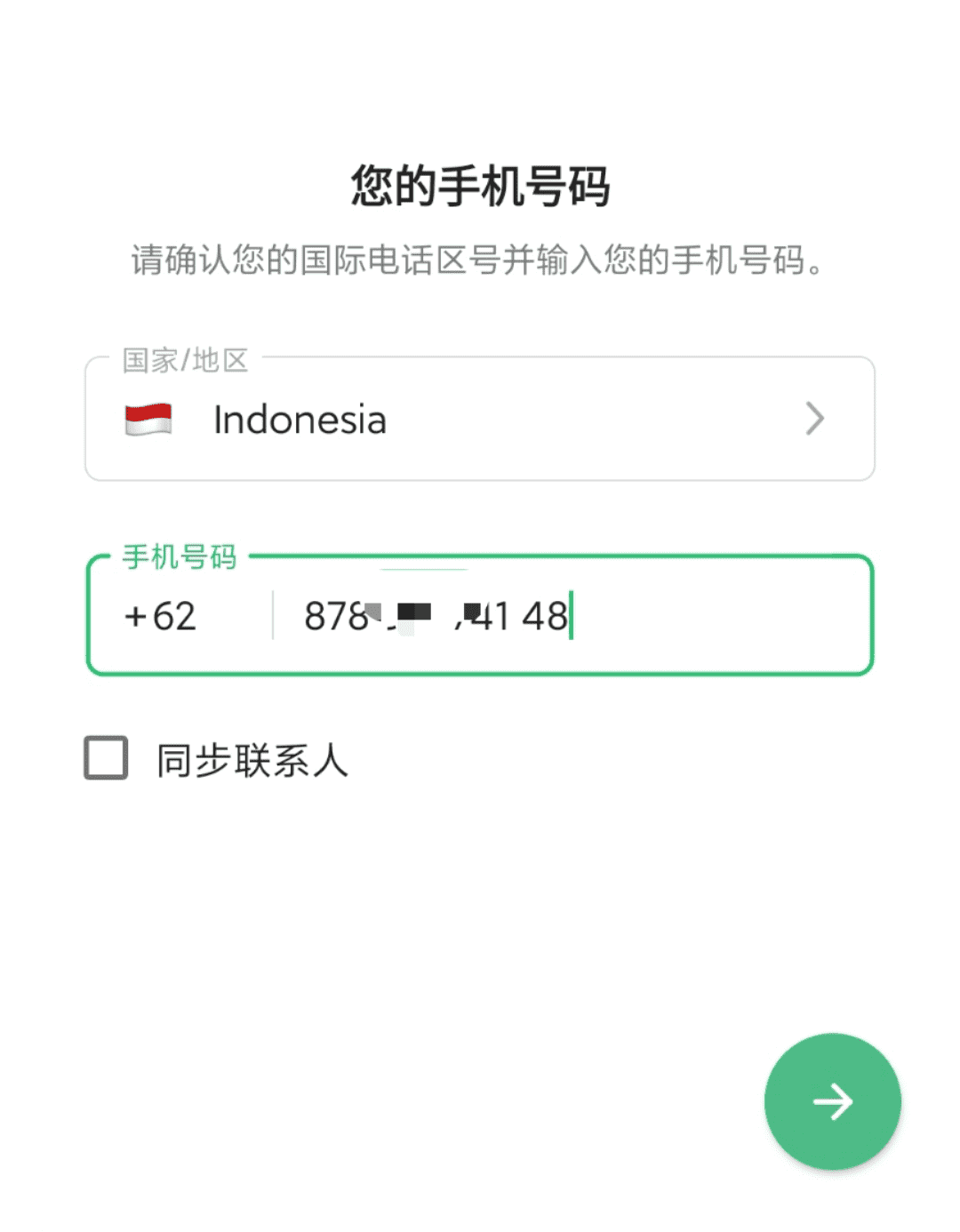
Please note: the verification code will NOT be sent via SMS! Please copy the "Verification Code Online Viewing URL" link from the delivery text and open it in a browser on your computer or mobile phone. Refresh the page to obtain the 5-digit login verification code and enter it into the client. If the system prompts you to enter 2FA (Two-Step Verification Password) enter the two-step verification password provided in the delivery slip to log in successfully.
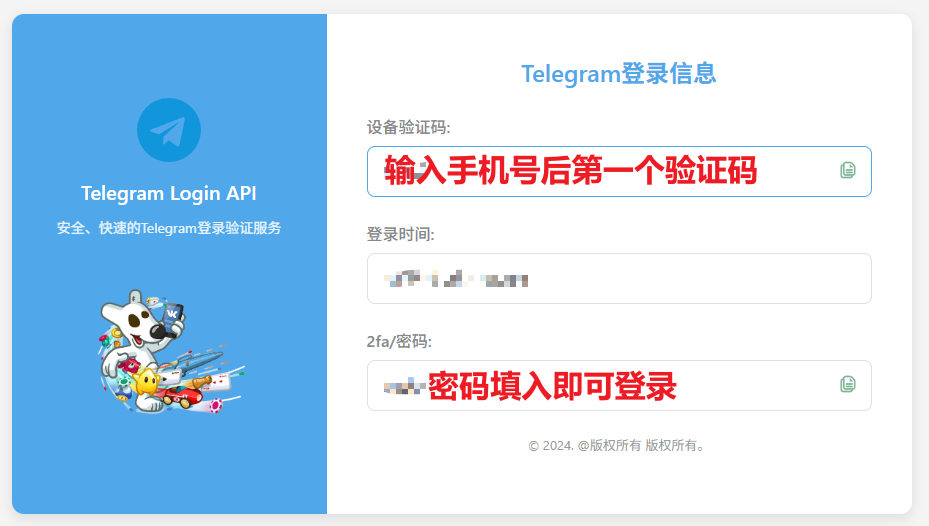
- Recommended: change two-step verification: For absolute account security and to prevent unnecessary disputes later, we strongly recommend that you go to Settings immediately after successful login and change it to your own 2FA password.
- DO NOT log out on all devices: Please ensure that at least one device remains logged in at all times. If all devices are logged out, you will be completely unable to obtain login verification codes going forward.
- Subsequent multi-device login: If you need to log in on a new device later, simply enter your number on the new device; the login verification code will be automatically sent to the Telegram client on your currently logged-in old device. Check it and enter it to proceed.
🧩 TDATA Format Detailed Operation Tutorial
TDATA is the core data format for the portable PC version. Please strictly follow the steps below for directory merging and initialization; do not open it blindly.

tdata .
tdata folder in its entirety, then paste to overwrite into the official Telegram portable main program you downloaded (the folder containing Telegram.exe).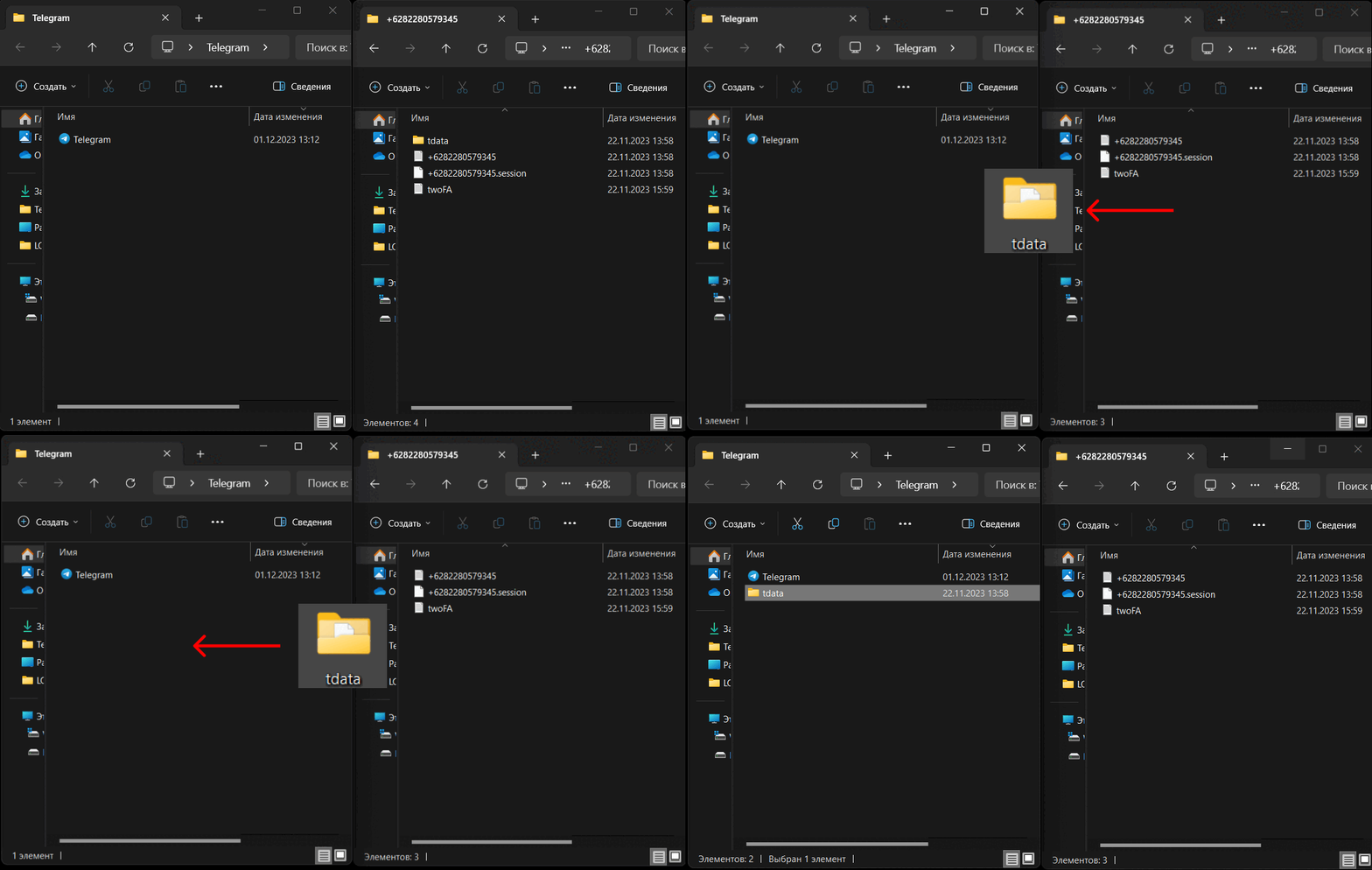
Telegram.exeAfter the client launches, it will skip the login verification step and automatically enter the chat interface with successful login.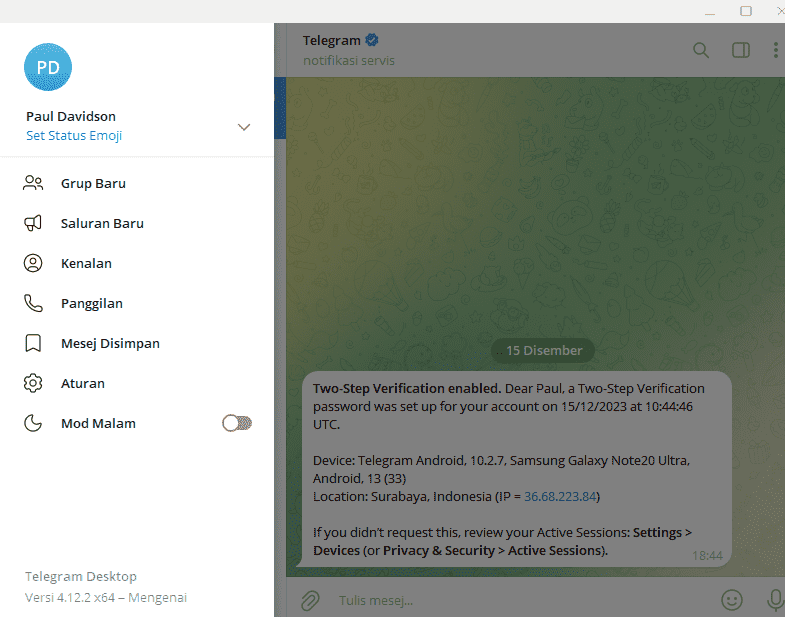
Once the desktop client is successfully logged in, you can sync and log in to the mobile app at any time. Enter the purchased phone number on your phone and tap to request the verification code. At this point, the 5-digit login verification code will be sent directly to the Telegram client currently open on your computer. Check and enter it on the computer side directly into your phone. If a 2FA password is requested, fill in the two-step verification password included with the product text.
📄 Service Notice & Disclaimer
- Basic operation guidance is not provided: This store only provides account assets; we do not offer tutorials on basic VPN/proxy networking, basic localization, mass messaging, or other daily usage. New users are advised to self-study via search engines.
- Please change the core password promptly: To avoid any unnecessary asset ownership disputes later, please change the account's two-step verification password (2FA) immediately after successful login.
- No Returns or Exchanges for Digital Goods: Due to the unique reproducibility of digital goods, once the product is automatically delivered by the system, refund or exchange requests will not be accepted for any reason, except in cases where incorrect account credentials or links prevent first-time login.
- First-Login Warranty Period: New or bulk-purchase customers are advised to make a small initial purchase for environment testing. All accounts are guaranteed for successful first-time login within 24 hours from delivery.
- Physical Deletion, Secure and Traceless: Products are sold on a one-time basis. After delivery, the server system will automatically perform physical deletion of relevant original backups within a limited time. There is no resale; please record and safeguard your account data properly.
- Ownership Statement: All accounts sold in this store are sourced through legitimate channels. Final ownership, interpretation rights, and any changes to usage rules belong solely to the official Telegram platform.
- Please Test Functions Yourself: This store provides full warranty coverage only for "first successful login." For all other additional functions (such as group joining limits, proactive DM limits, etc.), please test them yourself. Official platform restrictions do not fall within the scope of after-sales service.
- Illegal Use Strictly Prohibited: Any account purchased from this store is strictly prohibited from being used for telecommunication fraud, illegal traffic diversion, pornographic distribution, or any other political or criminal activities that violate the laws and regulations of your local region or mainland China. All legal liabilities and associated disputes arising from the buyer's own violations shall be borne entirely by the buyer as an individual, and this store assumes no responsibility.
- Cooperation with Law Enforcement: This store strictly complies with the law. If we subsequently receive lawful and compliant investigation or data retrieval requests from relevant authorities or judicial bodies, we will cooperate unconditionally.