 WDCH
WDCH
Microsoft Email - SMS Verification Tutorial via Recovery Email Login
Microsoft Account Recovery Mail Verification Guide
⛔ Critical Reminder (Order Cannot Be Wrong)
You MUST! MUST! MUST! Log in to the recovery email FIRST, then log in to the Microsoft email!
If you don't open the recovery email first, you won't be able to receive the verification code normally. (If you already logged into the Microsoft email first, be sure to sign out first, then follow the correct order and try again)
🔗 Related URL List
* Note: This tutorial uses getnada.com as an example. For other types of recovery email login URLs, please check the account notes; if not noted, you may consult customer service.
📌 Detailed Operation Steps
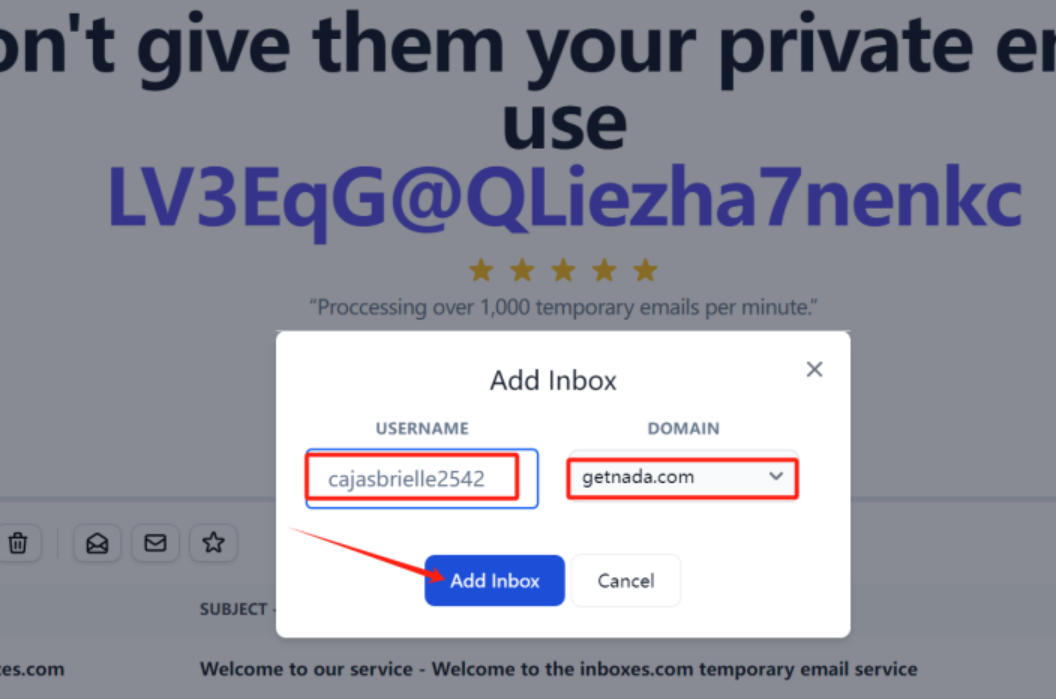
Open getnada.com Select/add the corresponding recovery email account, keep the page open to prepare for receiving the verification code.
Open a new browser tab and visit the Microsoft email login address: hotmail.com。
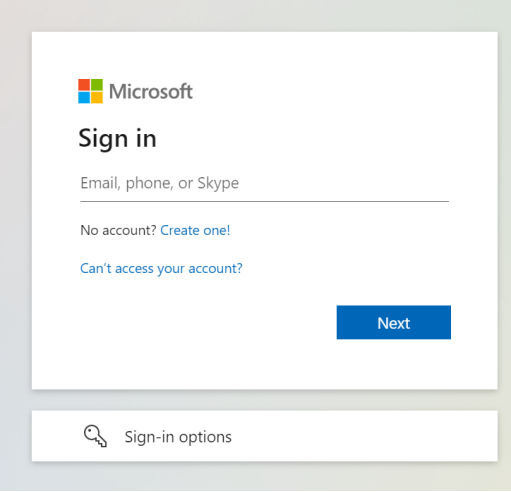
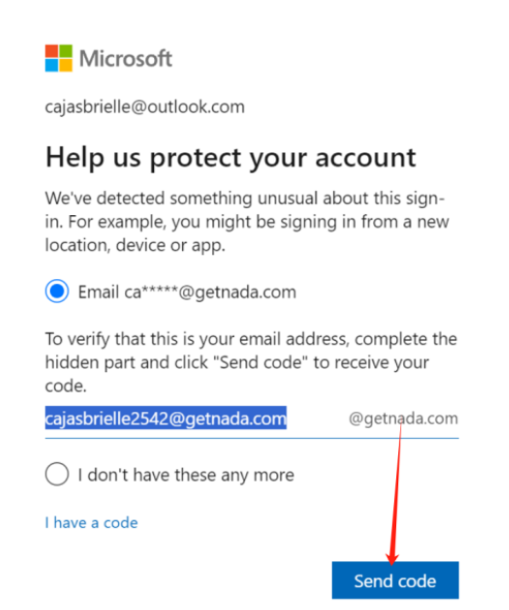
Enter your Microsoft email account and password. After reaching the security verification page, fill in the recovery email address prepared in the first step. account recovery email (secondary email)。
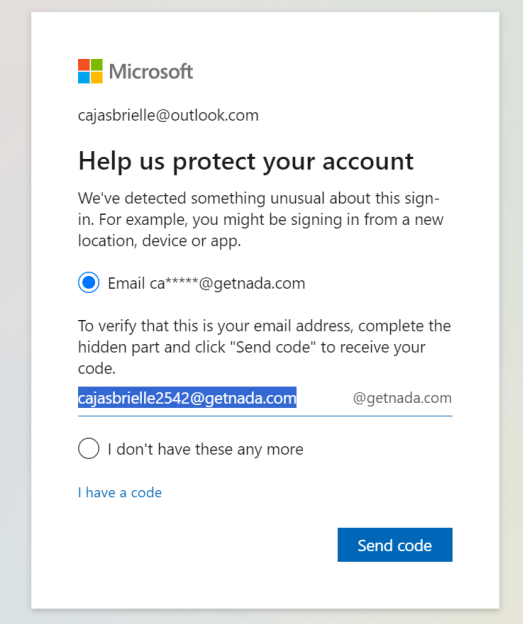
After clicking Send verification code, switch back getnada.com Refresh the page and receive the verification email from Microsoft, then enter the verification code to log in successfully.