 WDCH
WDCH
TikTok Account Password Direct Login Tutorial
Applicable to TikTok App client and computer browser web version
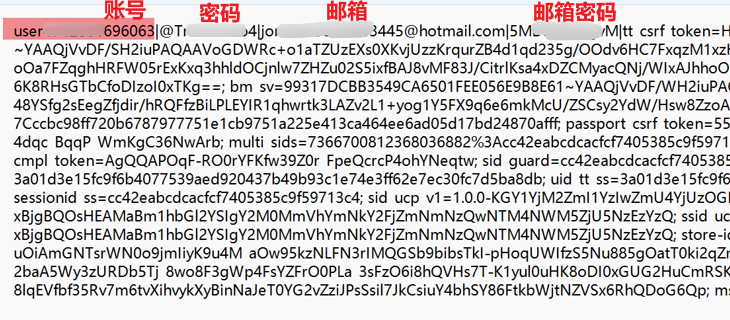
📦 I. Card Credentials Delivery Format Instructions
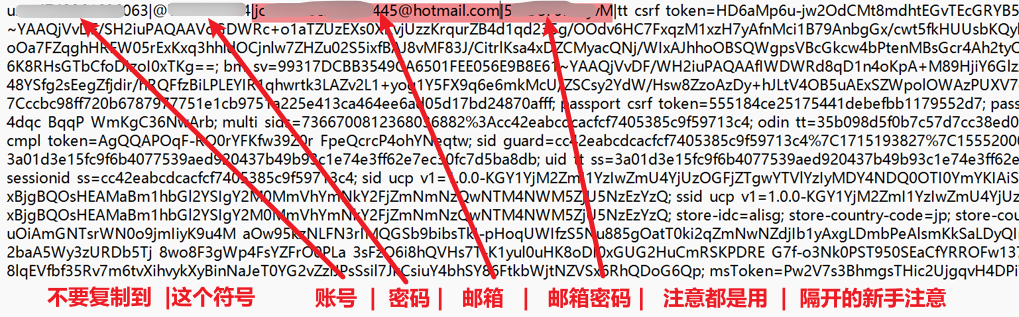
The card credentials received after purchase usually contain one of the following common formats:
⚠️ Login Notes (Must Read):
- All accounts uniformly use the vertical bar
|as the separator symbol; when copying for login do not copy the vertical bar into the field! - Must use the account's country/region of origin Corresponds to the native IP node Proceed to log in.
- Use preferentially username + password to log in. If you see “too many attempts”, we recommend switching to email + password(Note: this is the TikTok password, not the email password) or retry after changing the password.
🚀 II. Detailed Login Steps
(Example format 1:Username|Password|Email|Email Password|cookie as an example)
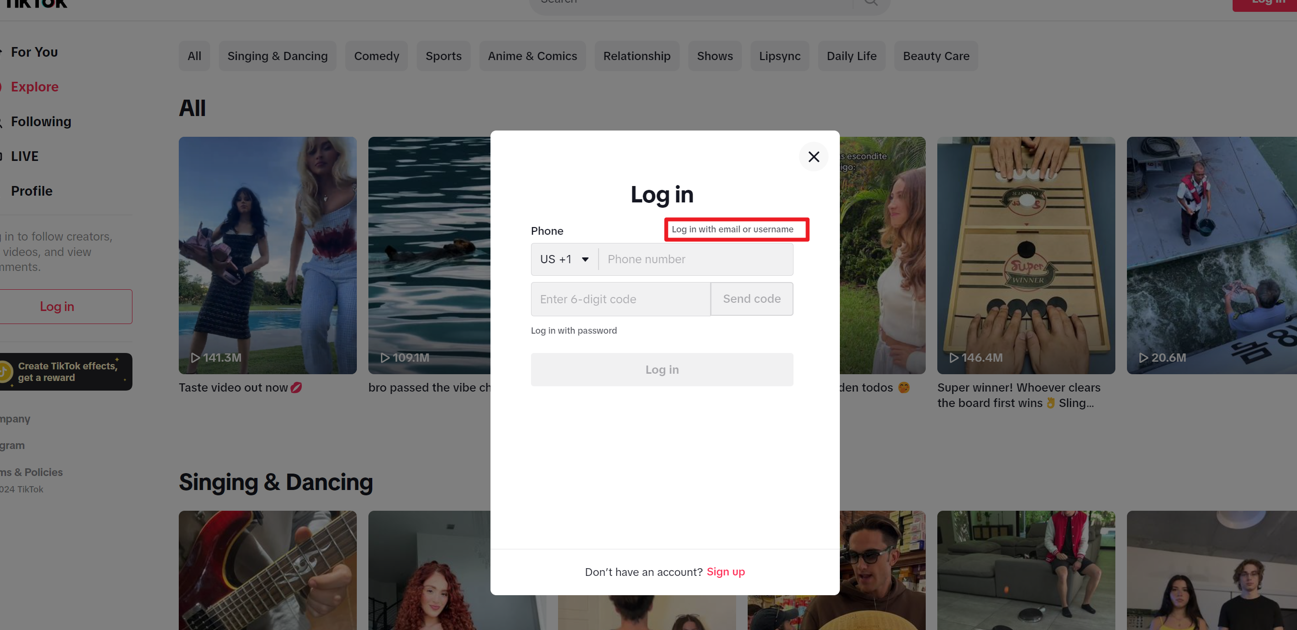
Open TikTok App or the web version login page, select “ Use mobile number / email / username ” Login options.
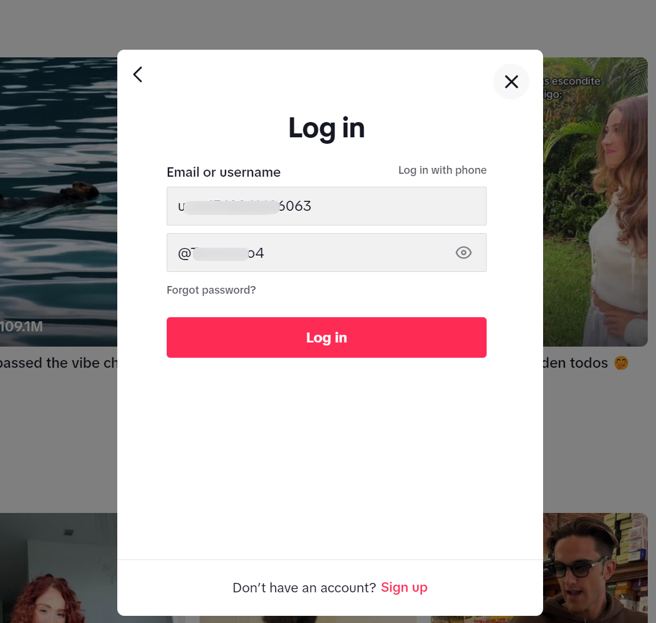
Accurately extract and enter according to the delivery information Username and TikTok Account password(Note: case-sensitive and watch for spaces).
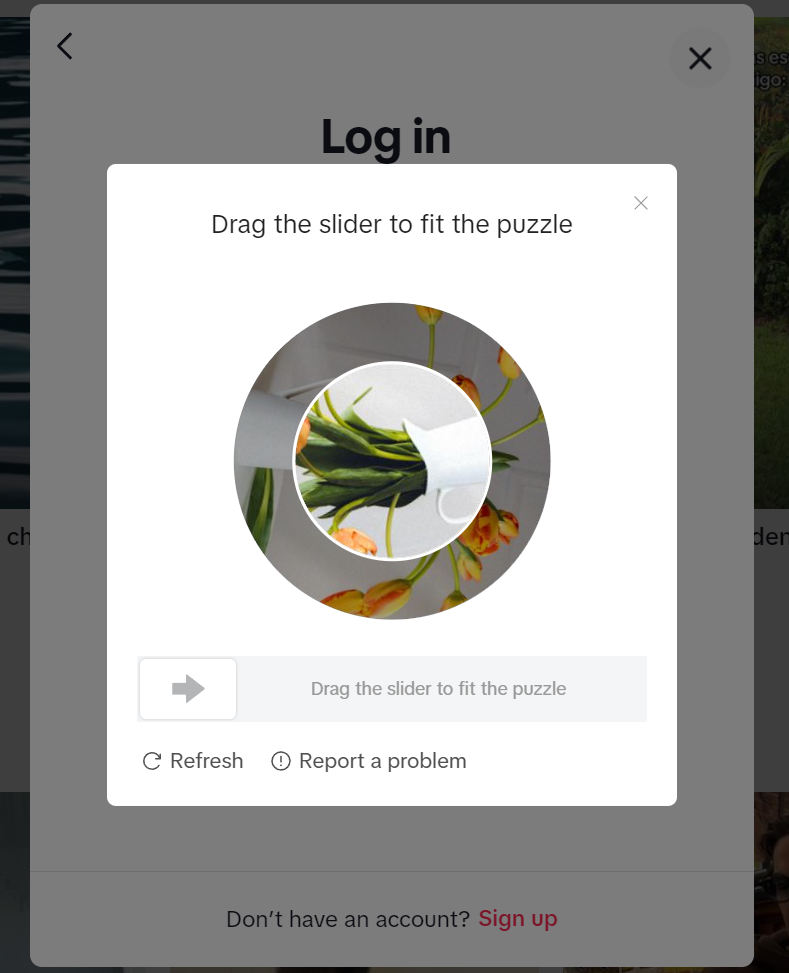
Drag the slider to complete the human verification sliding puzzle.
After verification, most accounts will enter the homepage directly. If security risk control is triggered when logging in from a new device, the system will require entering the verification code sent to the email.
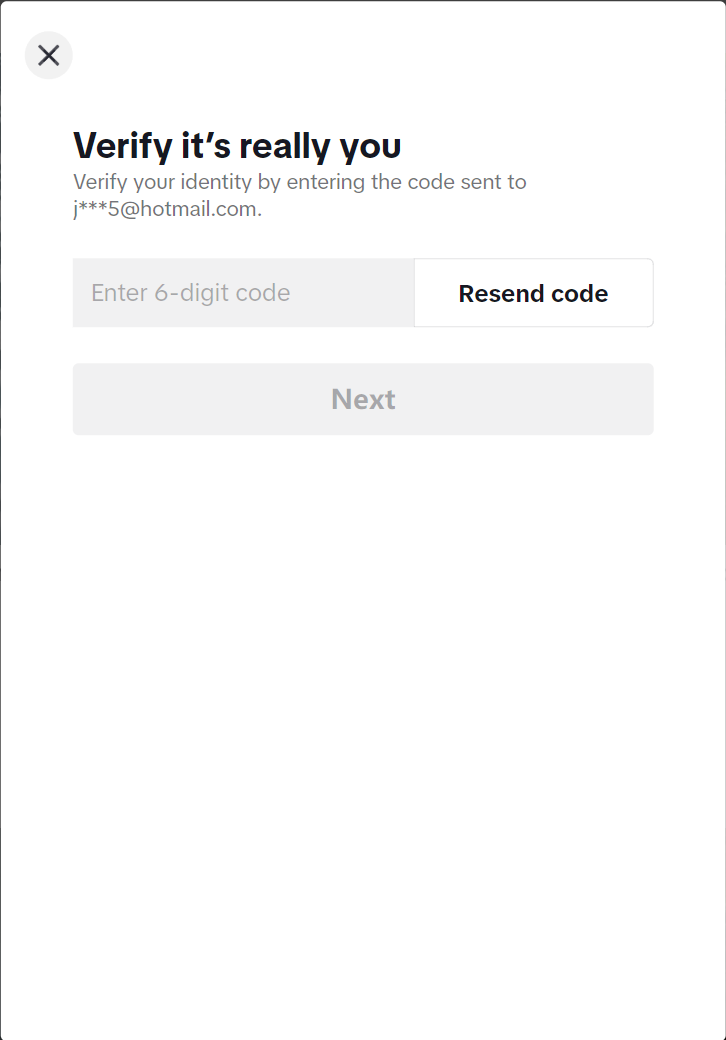
📧 III. Email Verification Code Retrieval Process (if verification is triggered)
1. Log in to the auxiliary email: The email login address provided by this site is uniformly: hotmail.com(Microsoft email).
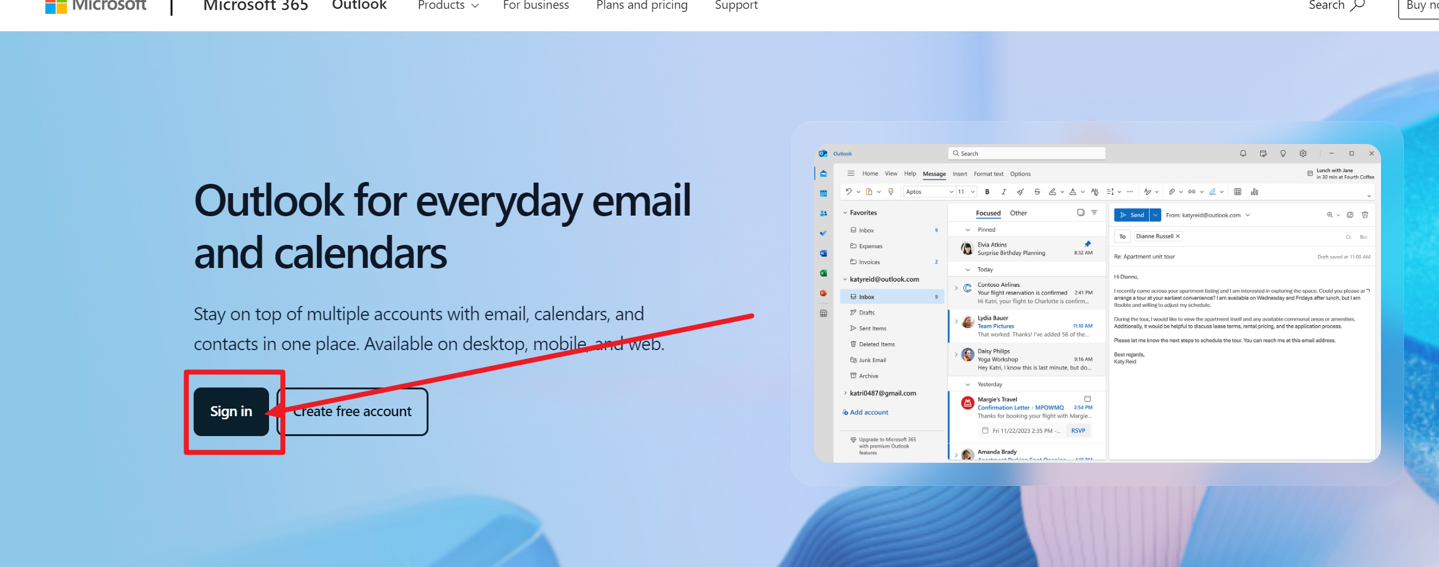
2. Extract the inbox verification code: Use the delivery information to Email address and Email password Log in to the Hotmail account, and check the login verification code email sent by TikTok.
3. Enter to complete login: Enter the 6-digit verification code into the TikTok login page to complete login successfully!
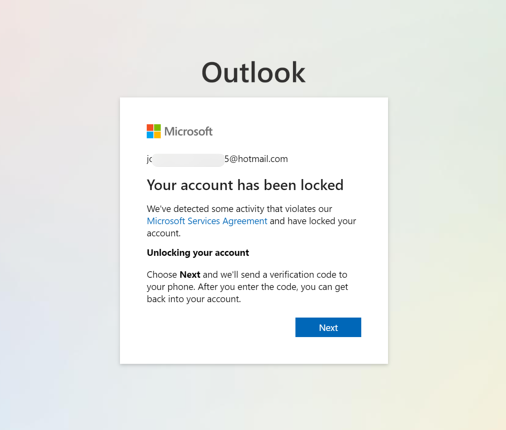
If you see an "Account blocked/Verification required" prompt when logging into your Microsoft email, simply use any phone number for SMS verification to unlock it (this is due to random official Microsoft risk control and does not affect TikTok account usage; it is not covered by after-sales support).