 WDCH
WDCH
TikTok Cookie Web One-Click Password-Free Login Guide
For Google Chrome Google Chrome Web Version
💡 Why Choose Cookie Login?
Logging in with Cookie credentials bypasses tedious username and password entry and two-factor verification, directly writing the login state into the browser, greatly improving login success rates and avoiding risk controls for new-device and off-location logins.
📌 Core 4-Step Login Flow
Use the desktop Google Chrome browser. Logging in through Cookie requires using a browser extension to import credentials locally.
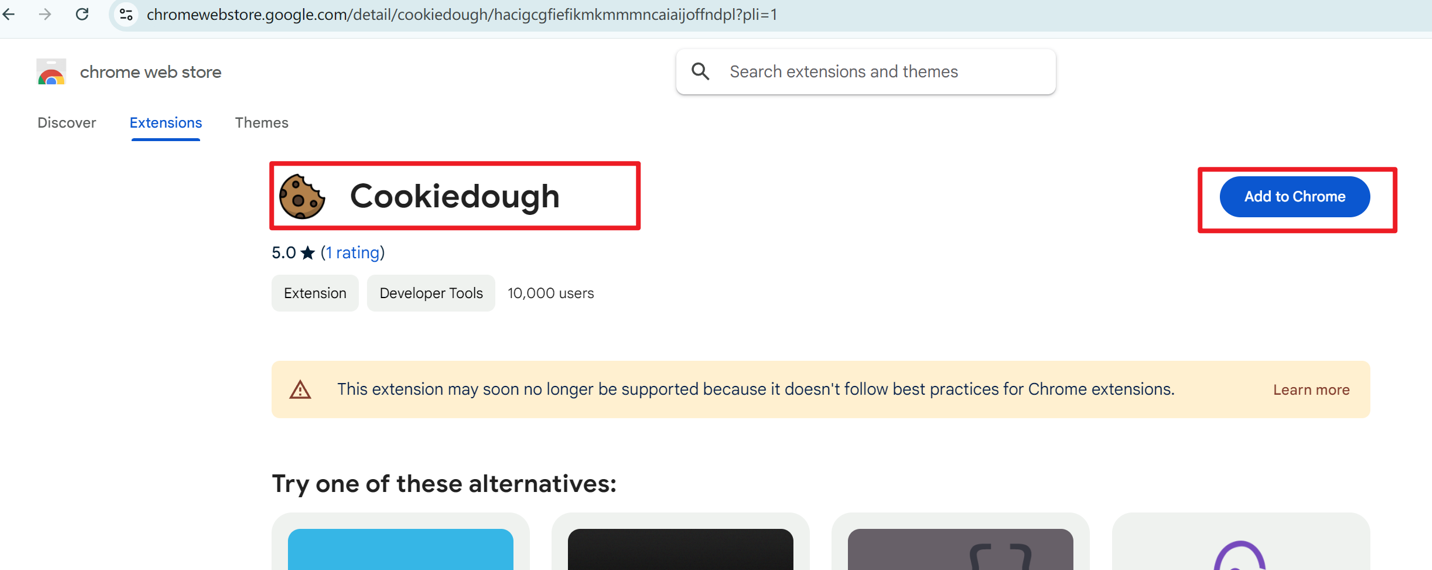
Click the link below to go to the Google Play Store, tap “ to add to Chrome” and install the plugin:
👉 Extension direct link:Click to go to the Chrome store to install the Cookiedough extension
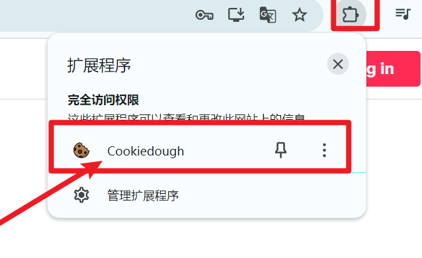
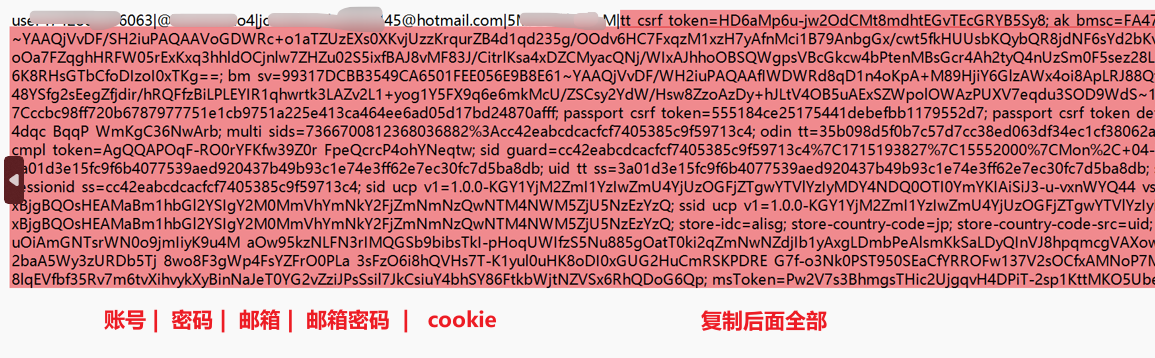
Open TikTok official website (tiktok.com), open the Cookiedough extension interface, and take the complete card credentials from the delivery Cookie code Paste into the input box, then click “Set Cookies” button.
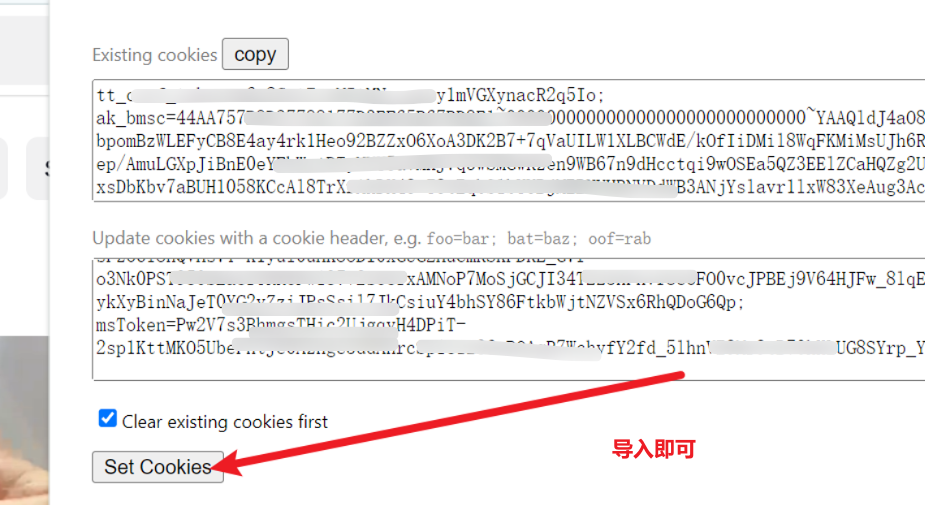
If a prompt or error popup appears, directly click “ OK ” or “ Ignore ”, then press F5 Refresh the webpage, and you will successfully enter the TikTok account homepage!